Start Your Book Printing Project
Share a few details about your book. JetPrint will review your specifications and help you identify the suitable printing, paper, binding, and finishing options for your project.
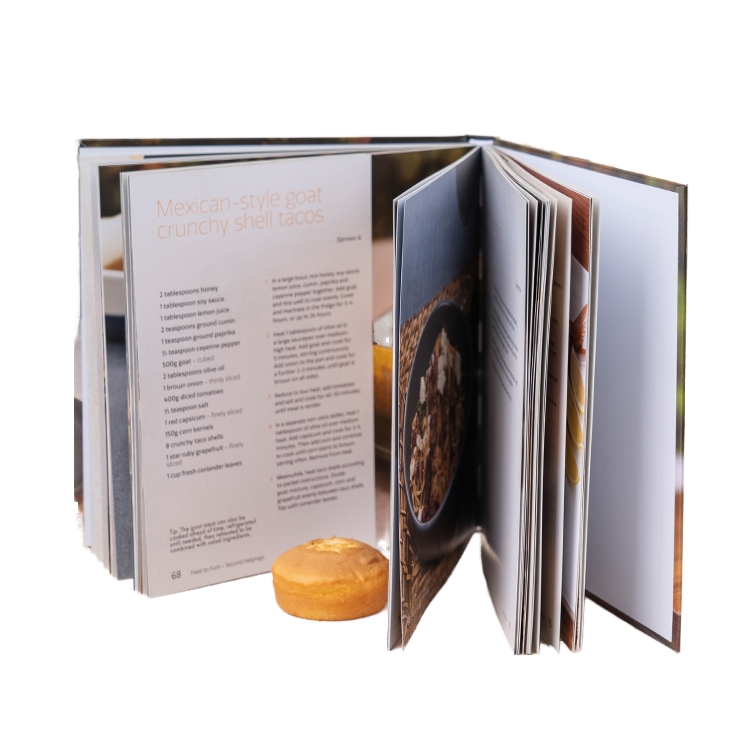
Case wrap and dust jacket hardcovers may share the same rigid casebound structure, but they behave very differently in production, retail, handling, and design. This guide explains where each format wins, what buyers routinely misunderstand, and how to specify the right hardcover construction before requesting a printing quote.

Museum catalog printing fails when teams treat it like ordinary commercial print. This guide explains how museums should control image files, proofs, paper, binding, editorial risk, production schedules, and supplier accountability before an exhibition deadline turns every small mistake into an expensive emergency.

A toy-company board book is not merely a short children’s book printed on thick cardboard. This guide explains how buyers should control construction, detachable components, compliance records, prototypes, packaging, and mass-production quality before approving inventory.
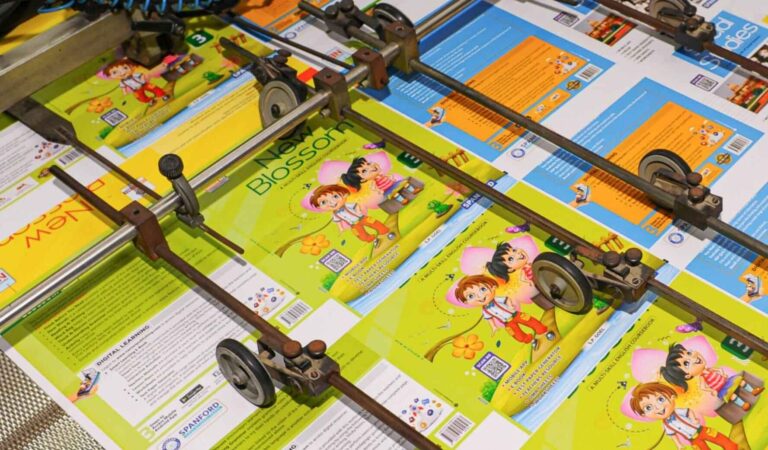
Activity books are working educational products, not ordinary reading books. This guide explains how educational publishers can control paper performance, binding, print quality, compliance, versioning, and production cost before approving a commercial print run.

Lay-flat binding is not one standardized construction. This guide compares five practical options for illustrated books, explains how each handles panoramic artwork and center gutters, and identifies the production questions publishers should settle before approving paper, page count, artwork, or a binding quotation.
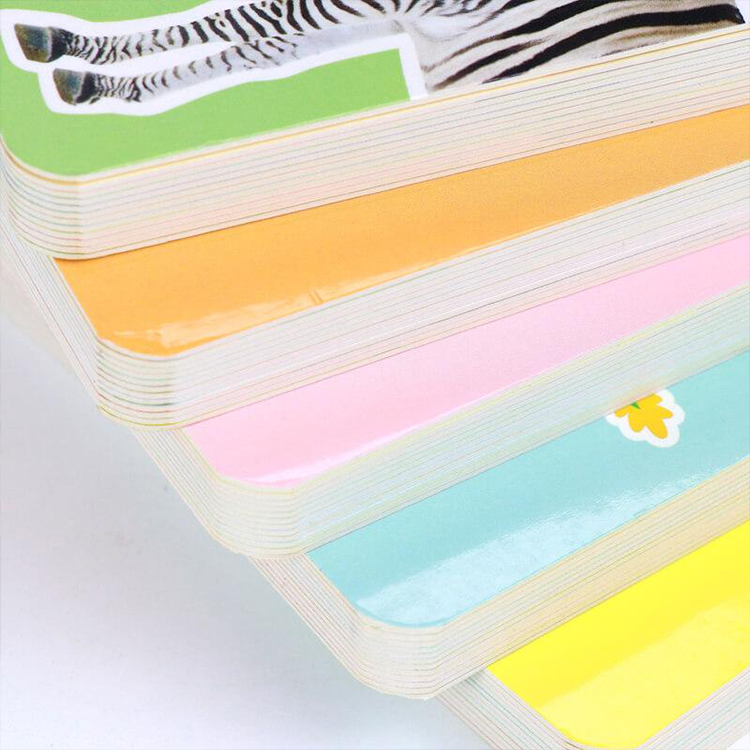
Board book thickness is not chosen from a sample chart alone. It is engineered from the reader’s age, page count, trim size, board construction, finishing system, binding method, and the exact way the printer measures the finished leaf.
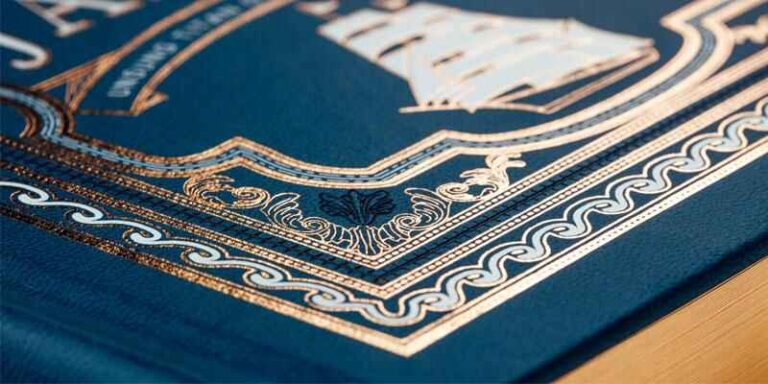
Foil, embossing, and spot UV can make an ordinary cover feel collectible—or expose weak artwork and poor production planning. This guide explains how each print finishing process works, where it performs best, and what buyers should confirm before approving production.
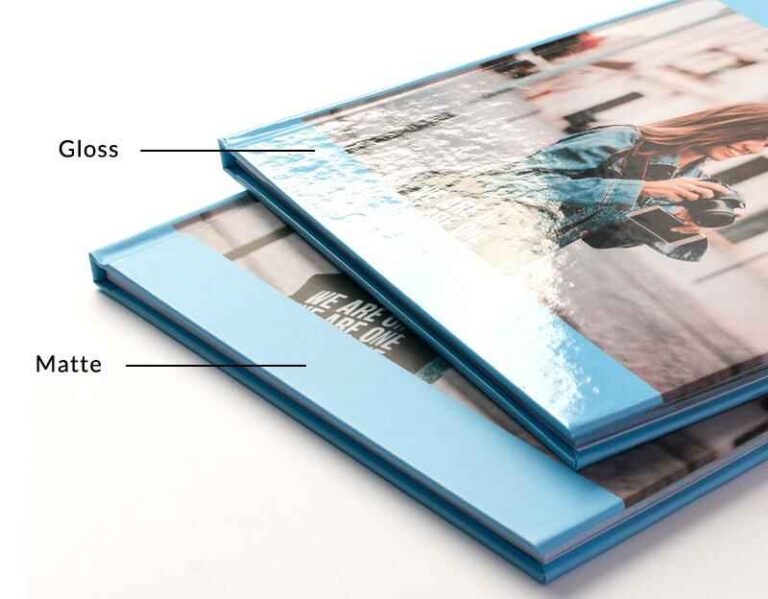
Matte lamination looks restrained and reduces glare, while gloss lamination intensifies color and contrast. This guide explains how each finish performs on real books, packaging, dark ink coverage, folds, foil, embossing, and retail displays.
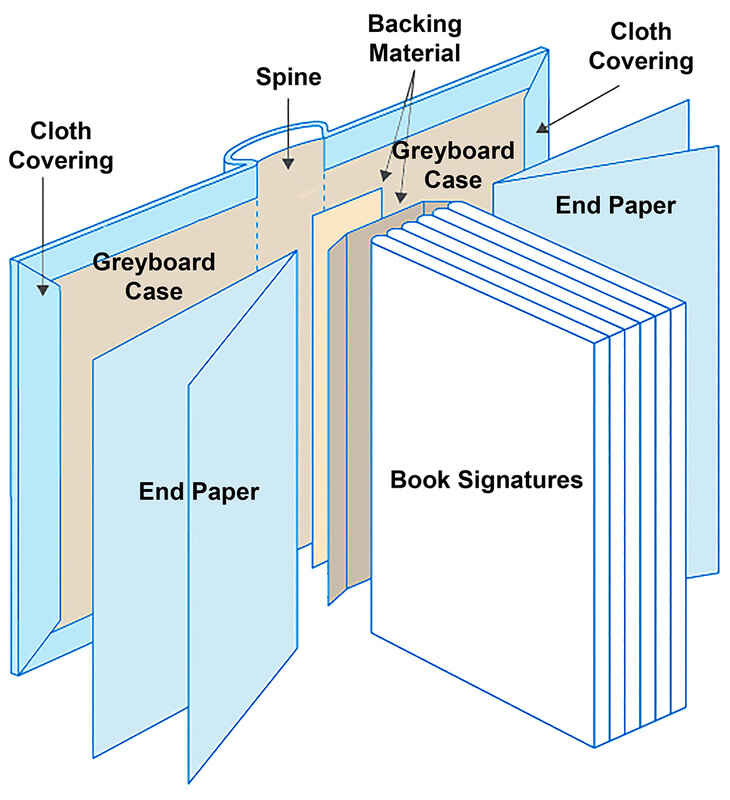
Case binding is more than a rigid cover. This guide explains how the book block, endpapers, boards, spine materials, covering stock, joints, and adhesives work together, where failures begin, and what professional buyers should specify before requesting a hardcover printing quote.
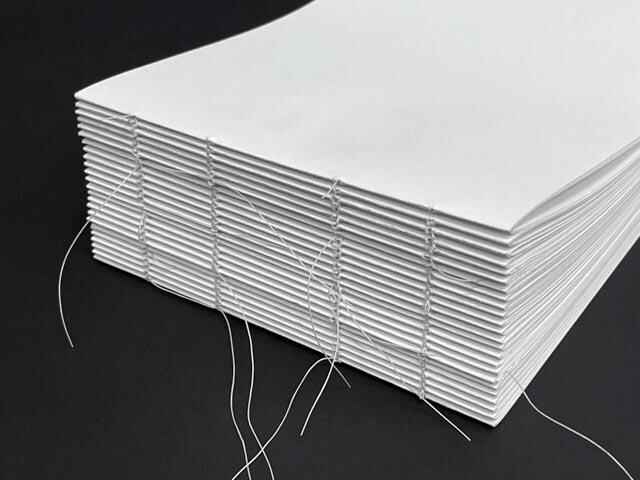
Sewn binding is often sold as the premium choice, while perfect binding is treated as the budget option. That framing is incomplete. This comparison examines how page structure, adhesives, paper, usage, testing, and production economics determine which binding actually performs better.